Hazel is the long-standing rule engine for Mac folders. If you want something cheaper, simpler or with AI help, these are the options worth a look. We make Footman, so bear that in mind when you read our section.
Prices and requirements checked on each maker's website on 22 October 2026.
At a glance
| App | How it works | Price | Needs |
|---|---|---|---|
| Footman | Rules you read like sentences, with Bertie to write them | €14.99 once, 30-day free trial | macOS 14 or later |
| Folder Actions | An Automator workflow attached to a folder | Free, built into macOS | Any recent macOS |
| Sparkle by Every | AI builds folders and sorts files on a schedule | From $9.25 a month, 15-day free trial | See makeitsparkle.co |
| Refolder | AI suggests where files go, and you review the moves | Setapp membership, AI credits needed | macOS 15 or later |
| Hazel | A deep rule engine | $42 once, 14-day trial | macOS 13 or later |
Footman
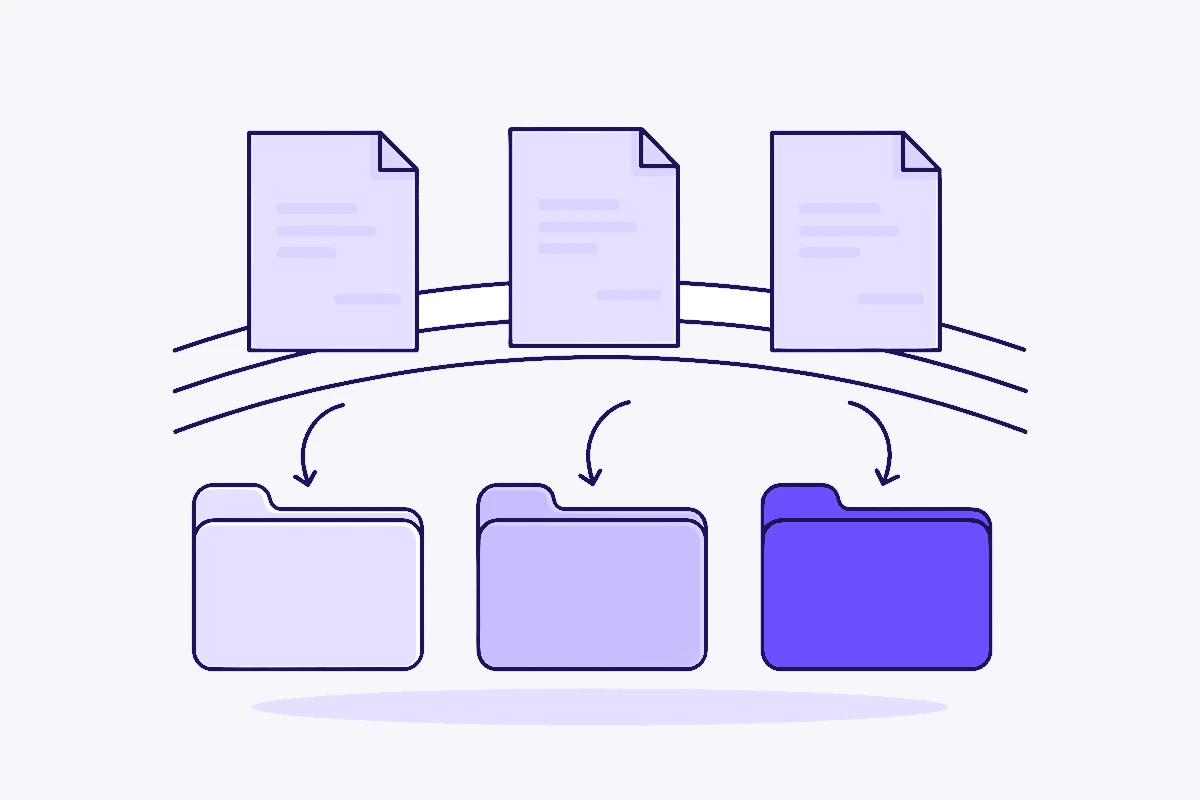
Footman watches the folders you choose and files things with rules that read like sentences, such as "if the extension is dmg and it hasn't been opened in 30 days, move it to the Trash". Rules can move, copy, rename, tag, sort into subfolders, unpack archives, and run Shortcuts or shell scripts. Each folder tidies as files land, on a schedule, or only when you ask.
Every move, rename and trip to the Trash goes in an activity log, and you can put files back one at a time or undo a whole clean-up. Bertie, our built-in helper, writes rules from a sentence, tells you where a file went, and can rename receipts and documents by what's in them.
Limits: Bertie needs macOS 26 with Apple Intelligence, or your own Claude key. Footman has no built-in AppleScript action or Trash clean-up, and it can't read scanned PDFs that have no text layer. For a closer look, see Footman vs Hazel.
Folder Actions, built into macOS
Folder Actions have been part of macOS for years. In Automator you create a Folder Action, pick a folder, and add steps such as Filter Finder Items and Move Finder Items. The workflow runs whenever something is added to that folder. Apple documents this in its Mac Automation Scripting Guide.
It's free and fine for one simple job. Each job is its own workflow, though, and there's no list of what moved or an undo. Our Downloads guide walks through a basic setup.
Sparkle by Every
Sparkle skips rules. It uses AI to design a folder structure and sort files into it, and runs clean-ups on a schedule you choose. Every says everything goes to the Trash first. Plans start at $9.25 a month after a 15-day free trial, and Sparkle is also part of Every's $30 a month bundle.
It suits people who'd rather not write rules at all and are happy with a subscription.
Refolder
Refolder is available through Setapp. It watches folders, suggests where files belong, and lets you review moves before they happen. It can also batch rename files. It uses Setapp AI+, which needs AI credits, or Apple Intelligence on macOS 26 or later, and it needs macOS 15 or later.
It's a good fit if you already pay for Setapp.
Staying with Hazel
If you rely on AppleScript or Automator actions, App Sweep, Trash clean-up or reading image-only scans, Hazel still does more than any of the above. Hazel 6 costs $42, and $20 to upgrade from any earlier version, according to Noodlesoft's FAQ.
Questions
Is there a free alternative to Hazel?
Yes. Folder Actions are built into macOS. You attach an Automator workflow to a folder and it runs when files are added. It suits one simple job per folder, and there's no rule list or activity log.
Which Hazel alternatives use AI?
Footman's Bertie writes rules from a sentence and can rename or sort files by what's in them, using Apple Intelligence on macOS 26 or your own Claude key. Sparkle by Every builds a folder structure for you with AI. Refolder suggests where files belong, using Setapp AI+ or Apple Intelligence on macOS 26 or later.
Which alternative is a one-off purchase?
Of the apps here, Footman is the one you buy once, for €14.99. Sparkle is a subscription, and Refolder comes with a Setapp membership. Hazel itself is also a one-off purchase.
Sources
Details come from each maker's own pages: noodlesoft.com, makeitsparkle.co, Refolder on Setapp and Apple's developer documentation. Names belong to their owners. Spotted something out of date? Email support@footmanapp.com and we'll fix it.