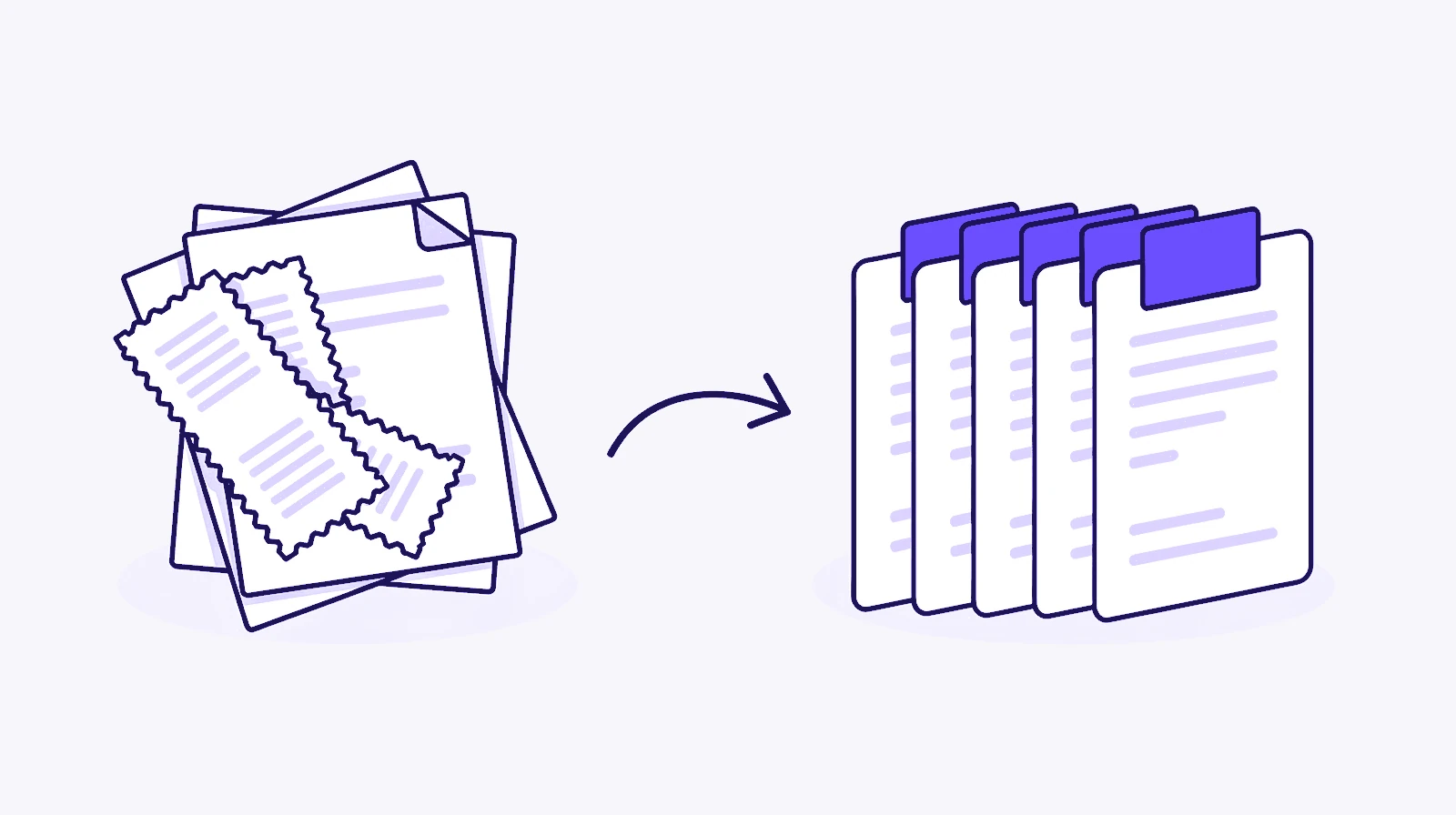
Scanners and banking sites name files things like scan0001.pdf or statement.pdf. Footman can read each one and give it a name you'll recognise later.
What the names look like
Rename with Bertie builds a name from what the document says: the date, who it's from, what it is and the amount, where there is one. A shop receipt becomes something like:
2026-10-14 Tesco receipt £12.40.pdf
Dates come first, so files sort in order. Bertie uses the date written in the document when he finds one, and the file's own date when he doesn't.
What you need
- Footman 1.1 or later.
- Bertie, which needs macOS 26 with Apple Intelligence turned on, or your own Claude key.
- Let Bertie read inside files, switched on in Footman's Settings under Bertie. It's off until you turn it on.
Bertie reads the text in PDFs, Word, RTF and plain text files, and recognises text in images such as photos of receipts. For PDFs he reads the first two pages, which is where the date, sender and total usually are.

Set it up
- Add the folder where your scans arrive, such as Downloads or your scanner app's folder.
- Add a rule for the files you want renamed. For example: if the name begins with "scan" and it's a PDF, rename with Bertie.
- Add a second action to the same rule if you like, such as moving the file to Documents › Receipts.
If you'd rather not build it yourself, tell Bertie what you want, such as "rename my scans by what's in them and put them in Receipts". He drafts the rule and opens it for you to check.
You can also sort by content. The "Bertie says it…" condition matches files by what they are, such as receipts or tickets, so a single rule can catch them all.
Image-only scans
Some scanners save each page as a picture inside a PDF, with no text behind it. Bertie can't read those. Most scanner apps have an option to make the PDF searchable, often called OCR or text recognition. Turn that on and Bertie can read the result. If text recognition for image-only PDFs matters most to you, Hazel 6 offers it. See Footman vs Hazel.
Questions
Can Footman rename PDFs that are only scanned images?
No. Bertie reads the text layer in a PDF, so a scan saved as a picture with no text has nothing for him to read. Most scanner apps can save a searchable PDF with text recognition, and Bertie can read those. Photos of documents saved as images are read with the Mac's own text recognition.
Does my document leave my Mac?
With Apple Intelligence, Bertie reads and names the file on your Mac. If you use your own Claude key instead, the text Bertie reads from the start of the file is sent to Anthropic with your key to work out the name.
What happens if Bertie can't work out a name?
The file keeps its current name.
Can I undo a rename?
Yes. Every rename is in Footman's activity log, and you can put the old name back with one click.